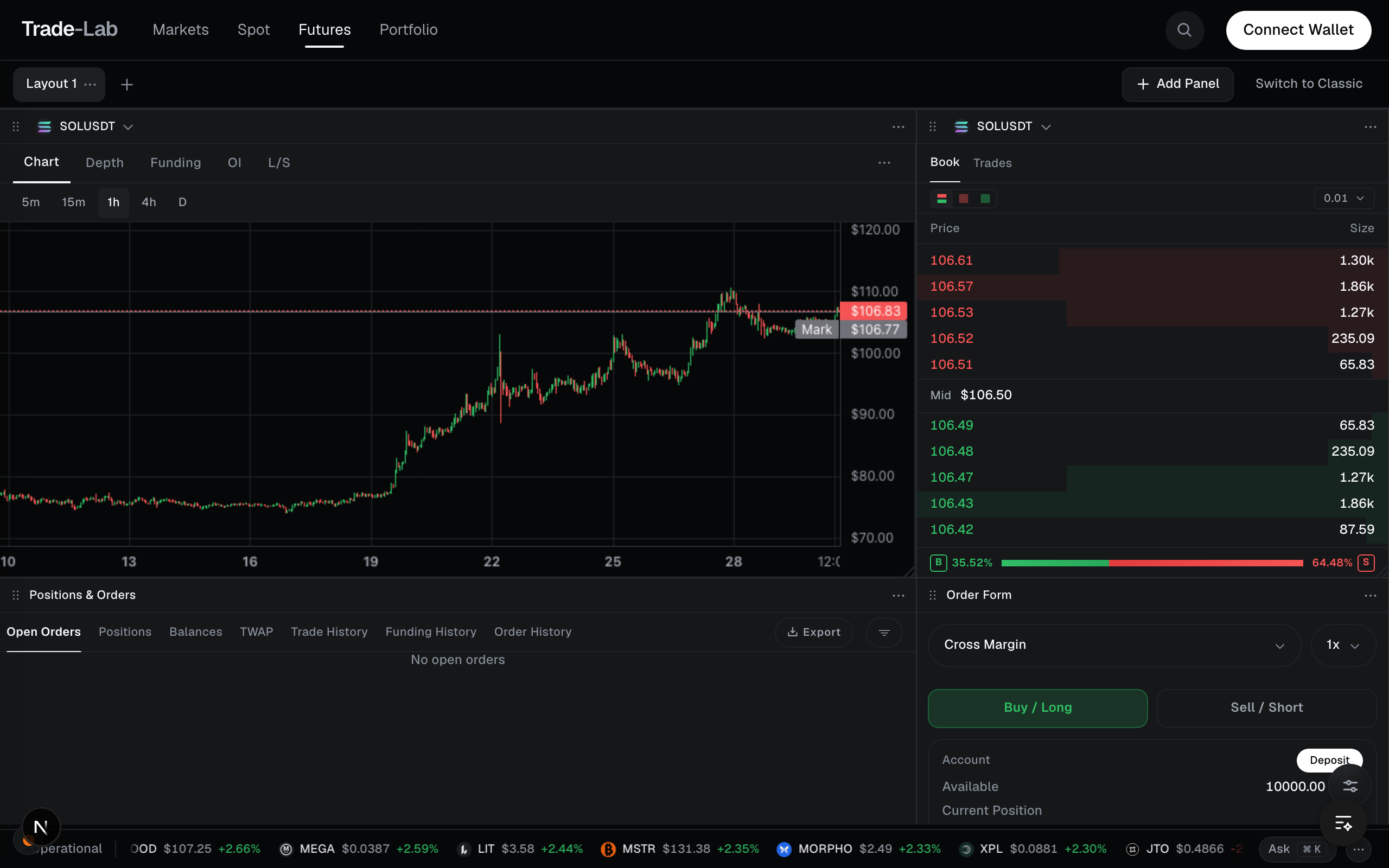
Custom workspace
Eleven panels, a snap grid, and a layout that stays yours between sessions and across machines.
Open the TerminalWhat it does
- Drag any panel anywhere — it snaps to a grid, and its neighbours make room rather than overlapping
- Eleven panels to draw from: chart, order book, DOM ladder, depth, order form, positions and orders, account, watchlist, funding, open interest, long/short
- Start from a template or an empty grid, adding panels from a library as you find you want them
- Layouts save to your account, so the same workspace is waiting on another machine